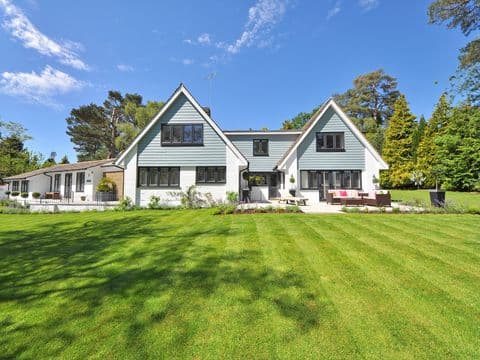
Every REOVANA listing shows public property details for free — address, price, beds/baths/sqft, photos, map, and facts when we have them. Only owner-of-record contact is held back until you unlock. If we don’t have owner data for a listing, that section simply isn’t shown.
What you can see for free
- Full street address, city, state, and ZIP
- List price or estimated value when available
- Bedrooms, bathrooms, square footage, and photos
- Property facts, amenities, and map pin when available
What unlocking reveals
- Owner of record and direct contact details (when present in our data)
- Saved unlock access on your REOVANA account
Unlocking a property is for your own research and outreach. Always follow applicable contact and privacy rules when reaching out to an owner.
Two ways to unlock
- Pay per property — unlock a single listing's owner contact for a one-time fee.
- Subscribe — unlock unlimited listings while your plan is active, ideal for active investors.
Step by step
- Open any listing — public details are already visible.
- Choose "Unlock this property" or "Subscribe" for owner contact.
- Complete secure checkout.
- Owner contact appears when we have it, and the unlock is saved to your account.